

Descripción
Customize WordPress login, registration, and password-recovery screens without touching code.
Built by HDY Haus.
Features:
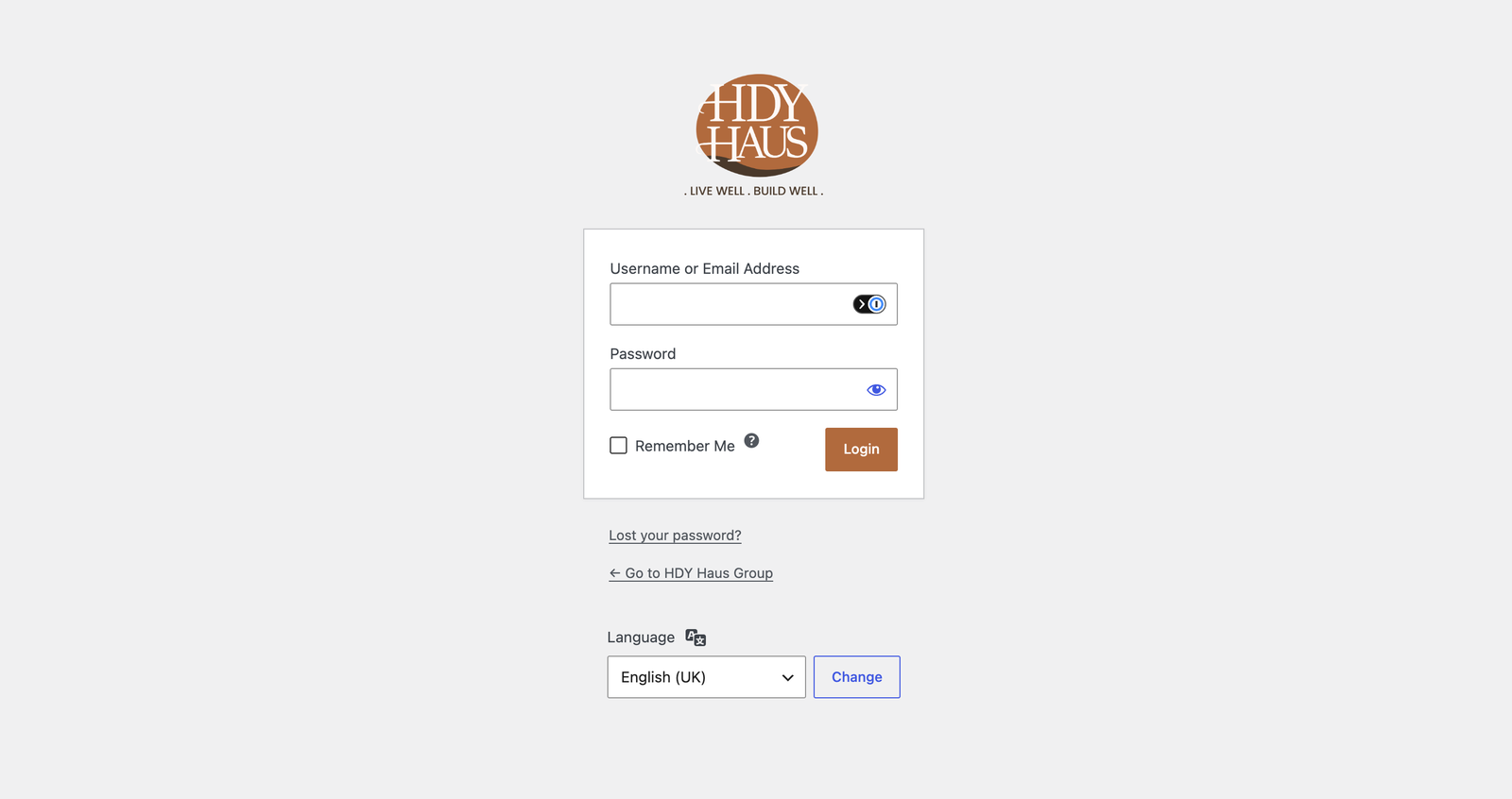
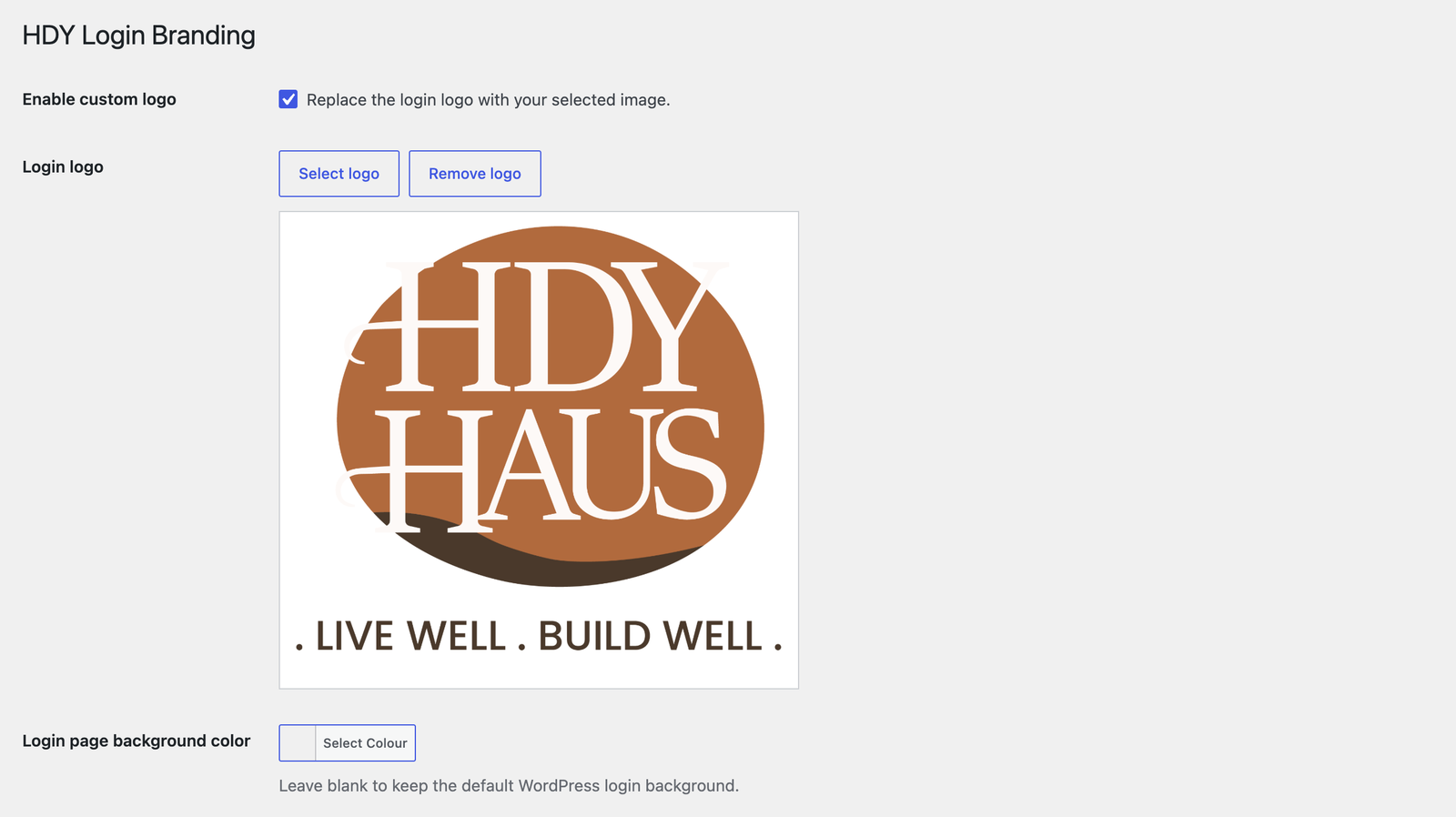
* Enable or disable the custom login logo.
* Choose a logo from the Media Library.
* Logo links to the site homepage when enabled.
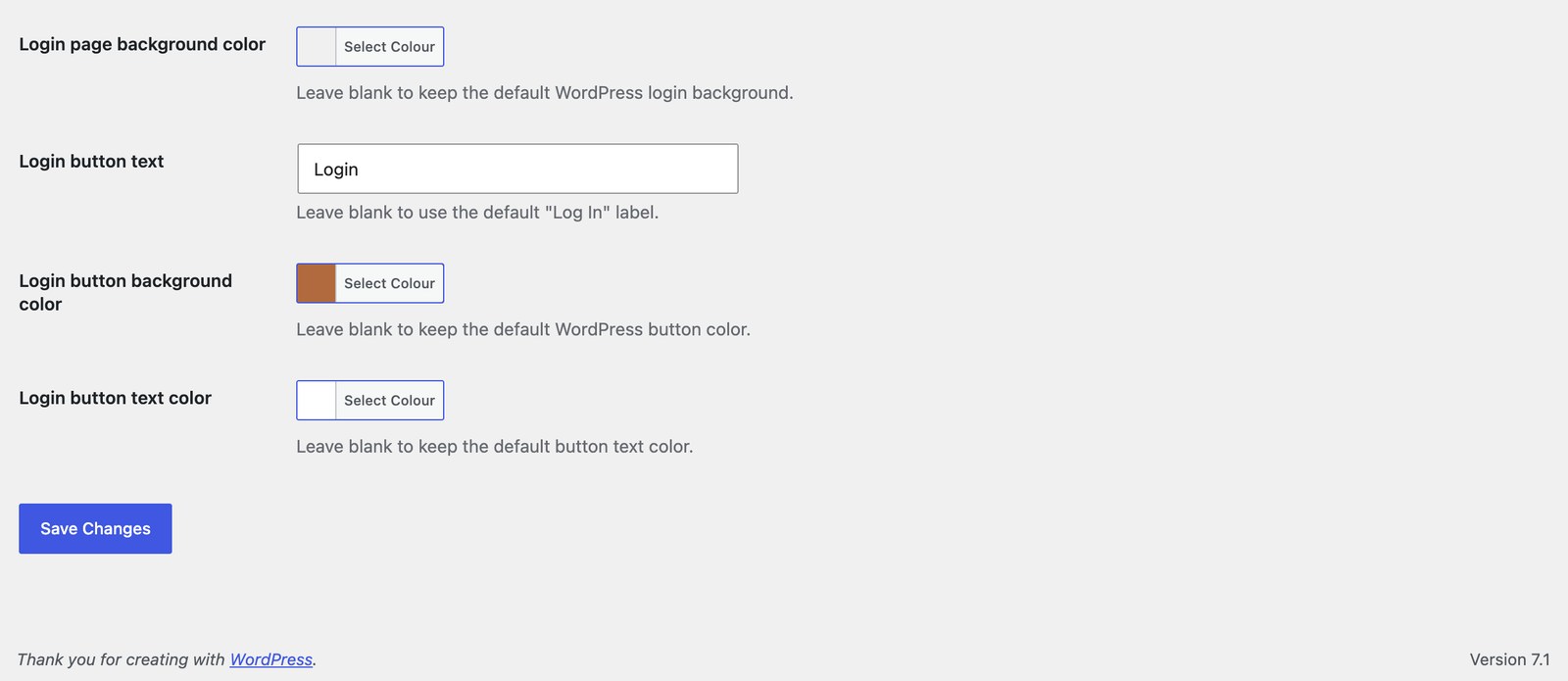
* Customize the login page background color.
* Choose a responsive login page background image from the Media Library.
* Customize the login button label, background, and text color.
* Customize registration heading and button text.
* Customize lost-password and reset-password instructions and button text.
* Organize settings with keyboard-accessible Shared Branding, Login, Registration, and Password Recovery tabs.
* Use shared colors or override page background, button background, and button text colors per flow.
* Preview changes with button contrast feedback before saving.
Capturas
Instalación
- Upload the
hdy-login-brandingfolder to/wp-content/plugins/Or in your WordPress admin, go to Plugins > Add New > Upload. - Activate the plugin through the Plugins screen in WordPress.
- Go to Settings > HDY Login Branding.
- Choose your logo, optional background image, colors, instructions, and button labels.
Preguntas frecuentes
-
What size should the logo be?
-
The login screen uses a 320×120 box. Larger images are scaled to fit.
-
Where does the logo link to?
-
When the custom logo is enabled and set, it links to the homepage.
-
How is the background image displayed?
-
The selected image is centered and scaled to cover the authentication screen. The configured background color remains as a fallback while the image loads. Removing the image restores the color-only or default WordPress background.
Reseñas
No hay reseñas para este plugin.
Colaboradores y desarrolladores
«HDY Login Branding» es un software de código abierto. Las siguientes personas han colaborado con este plugin.
Colaboradores
Traduce «HDY Login Branding» a tu idioma.
¿Interesado en el desarrollo?
Revisa el código , echa un vistazo al repositorio SVN o suscríbete al registro de desarrollo por RSS.
Registro de cambios
1.2.0
- Added a responsive authentication-screen background image selected from the Media Library, with live preview and remove/reset controls.
- Added registration heading and button labels plus separate lost/reset-password instructions and button labels.
- Organized settings into keyboard-accessible Shared Branding, Login, Registration, and Password Recovery tabs.
- Added accessible settings tabs, live preview, and unsaved-change protection.
- Added per-flow color overrides while preserving existing shared colors.
- Added button contrast feedback, responsive settings layouts, and selected-tab persistence after saving.
- Pointed plugin and author metadata to the HDY Login Branding product page without a duplicate View details link.
1.0.3
- Added a Settings action link on the WordPress Plugins screen.
1.0.2
- Renamed plugin to HDY Login Branding for WordPress.org review.
- Updated prefixes, text domain, and asset handles for directory compliance.
- Removed bundled screenshot assets from the plugin package.
1.0.1
- Added login page background color customization with WordPress color picker support.
- Added screenshot assets and expanded screenshot descriptions.
- Updated plugin and readme license metadata to GPL-3.0-or-later.
- Improved coding standards compliance with local PHPCS/WPCS tooling.
1.0.0
- Initial release.